
Start and stop, to the minute
Forget “60 % chance of rain”. You get an actual time, like Stops at 18:40, and a chart of the next four hours.
 Rainline
Join the beta
Rainline reads the radar where you are and tells you the minute the rain starts or stops, up to four hours ahead.
Free beta · iOS 26 · English, Deutsch, Türkçe
Most days you won't even need to open the app.

A plain sentence with the exact time, and how hard it's coming down.
An hour back, four ahead. Gaps in the bars are your dry windows.
No busy base map, just the outline of where you are with the next hour of rain on it.
Keep an eye on the dot and you'll see if the rain's heading your way.
Rather have a proper map in the widget? Flip between Outline and Map in the app settings. The outline follows whichever region you're in.
The little guy from the app icon turns up in all 14 kinds of weather, from sunny afternoons to proper snowstorms. One look at the widget and you know what it's like outside.
 Sunny
 Partly cloudy
 Overcast
 Fog
 DrizzleShowers
 Rain
 Heavy rain
 Thunderstorm
 Sleet
 Snow
 Clear night
 Cloudy night
 Night showers
Forget “60 % chance of rain”. You get an actual time, like Stops at 18:40, and a chart of the next four hours.
Around Lake Constance the Swiss and German radars overlap. Rainline reads both and goes with the wetter one, so a shower only one of them spots still shows up.
Pan, zoom, and hit play to watch the rain roll in, five minutes at a time.
Three sizes on the home screen, three more on the lock screen, and the small one even fits in CarPlay.
No account, no tracking. Your phone rounds your location to about 1 km before it asks for a forecast.
Nice to know on dry days. Whether it rains is always up to the radar, though.
Made for iOS 26's Liquid Glass, and just as good in dark mode.
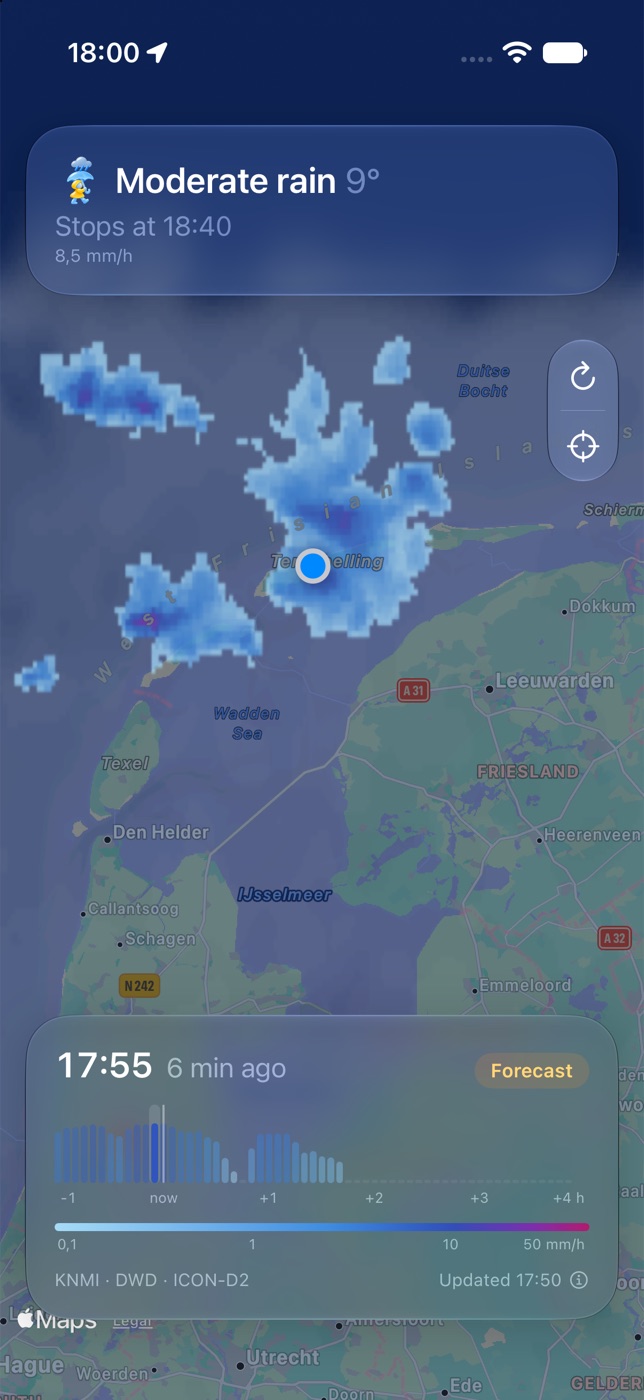

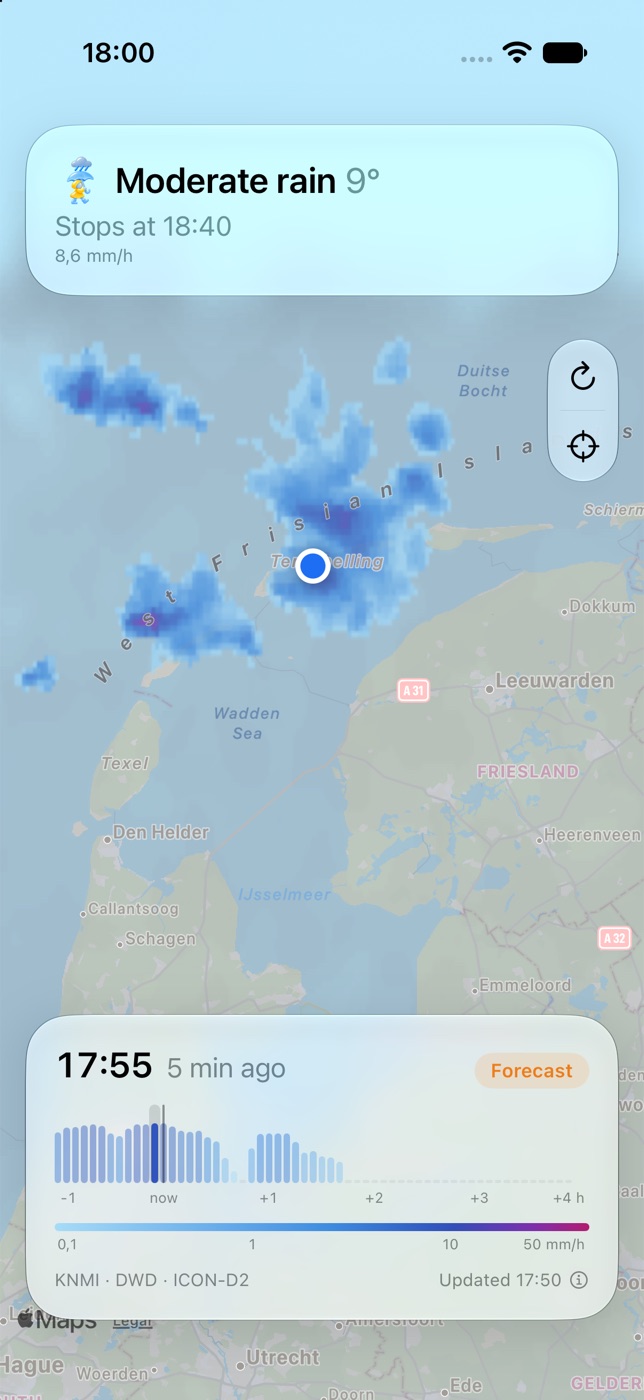
Three regions for now, plus a good chunk around each. Anywhere else, you get the map of the nearest one.
It's free on TestFlight. If a forecast leaves you soaked, send feedback straight from the app.
Try it on TestFlightInstall TestFlight from the App Store
Open the invite link on your iPhone
Add the medium widget and stay dry